OTG Converter: What Is It, How It Works and How to Use It
Learn what an OTG Converter is, how it works, what devices you can connect with it, and how it makes file transfer and USB connectivity easier on compatible smartphones and tablets.
Store Admin··6 min read
OTG Converter: What Is It and How Does It Work?
Smartphones and tablets have become an important part of our everyday digital life. We use them for work, entertainment, communication, photography and file management. But sometimes, you may need to connect a USB flash drive, keyboard, mouse or another USB device directly to your smartphone.
This is where an OTG Converter can be useful. USB OTG, short for USB On-The-Go, allows compatible mobile devices to communicate with supported USB peripherals without requiring a traditional computer.
What Is an OTG Converter?
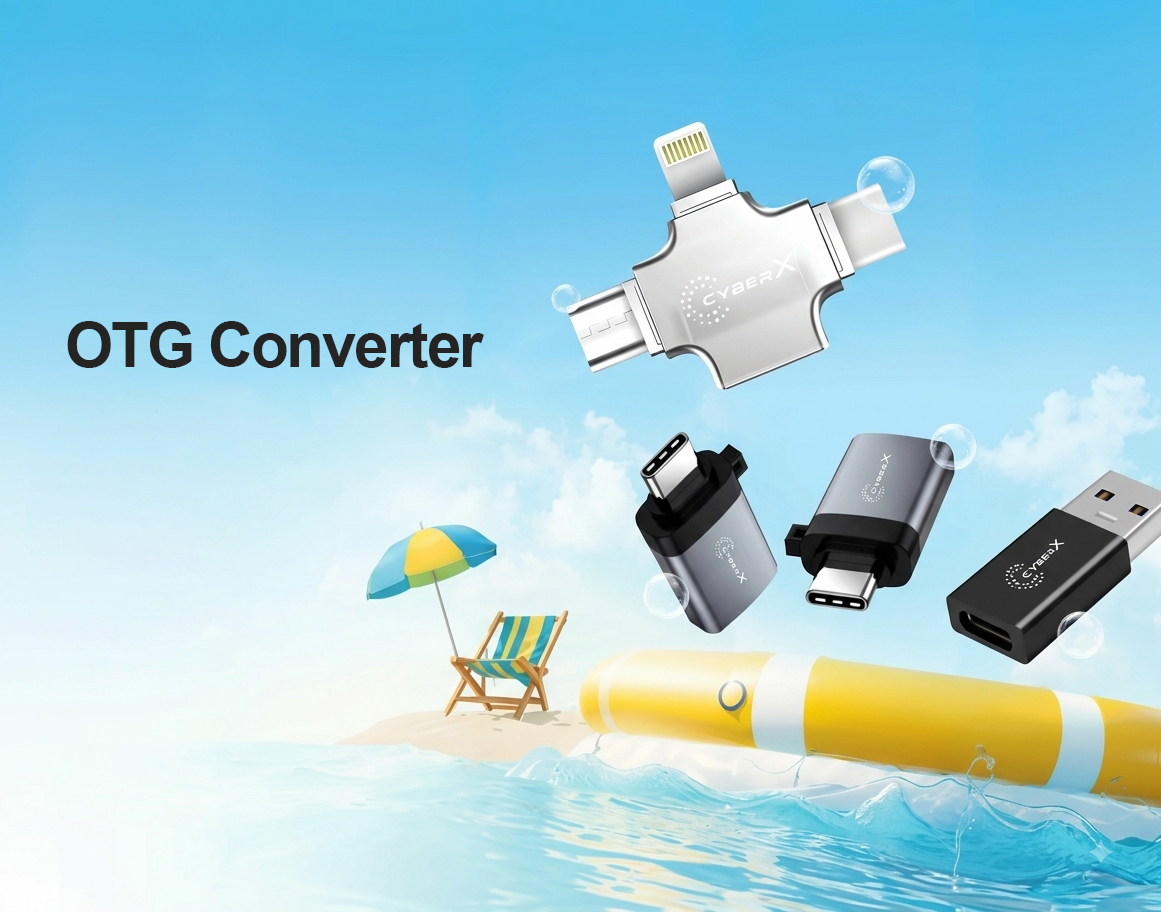
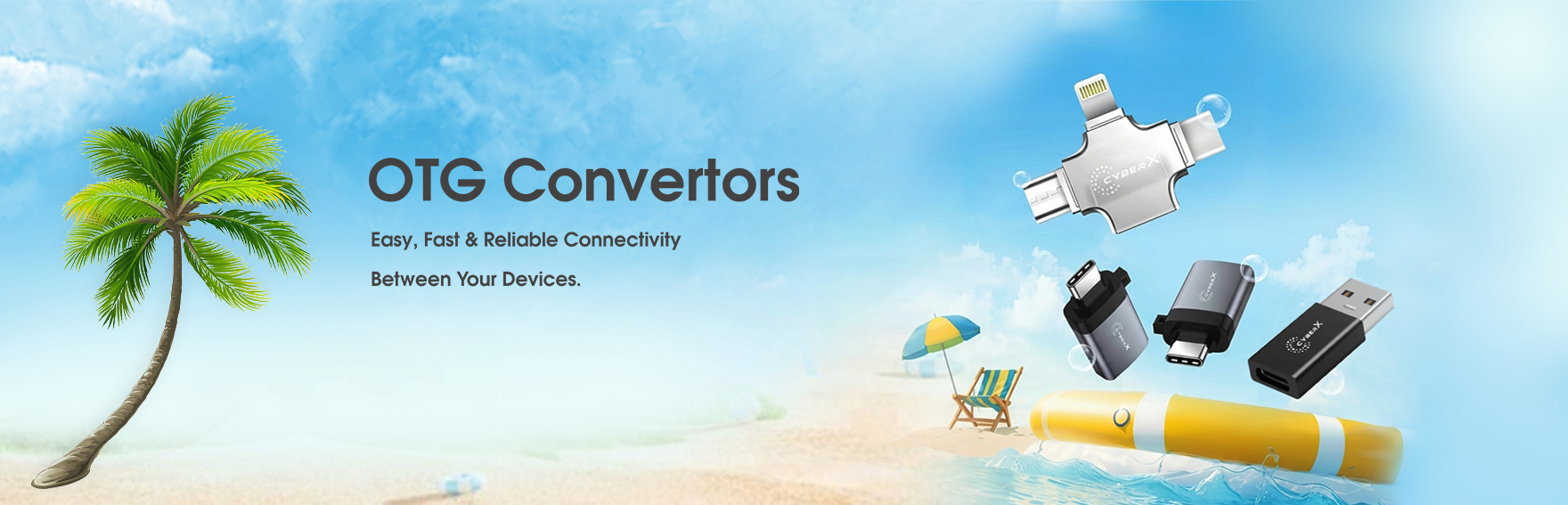
An OTG Converter is a small adapter that allows a compatible smartphone, tablet or other OTG-enabled device to connect with USB peripherals.
Depending on the connector and device, an OTG adapter can provide a convenient connection between your mobile device and accessories such as USB flash drives, keyboards, mice and other compatible USB devices.
How Does USB OTG Work?
Normally, a smartphone acts as a USB device when connected to a computer. USB OTG allows a compatible smartphone or tablet to act as a USB host for supported peripherals.
Once an OTG Converter is connected, the mobile device can communicate with the attached USB device. For example, you can connect a compatible USB flash drive and access supported files through your smartphone’s file manager.
What Can You Connect With an OTG Converter?
An OTG Converter can support various USB accessories depending on the mobile device, adapter and operating system.
USB Flash Drives: Access and transfer compatible files directly from your smartphone or tablet.
Keyboard: Connect a compatible USB keyboard for easier typing and productivity.
Mouse: Use a compatible USB mouse with supported mobile devices.
USB Accessories: Connect other compatible low-power USB peripherals depending on device support.
Benefits of Using an OTG Converter
1. Easy File Transfer
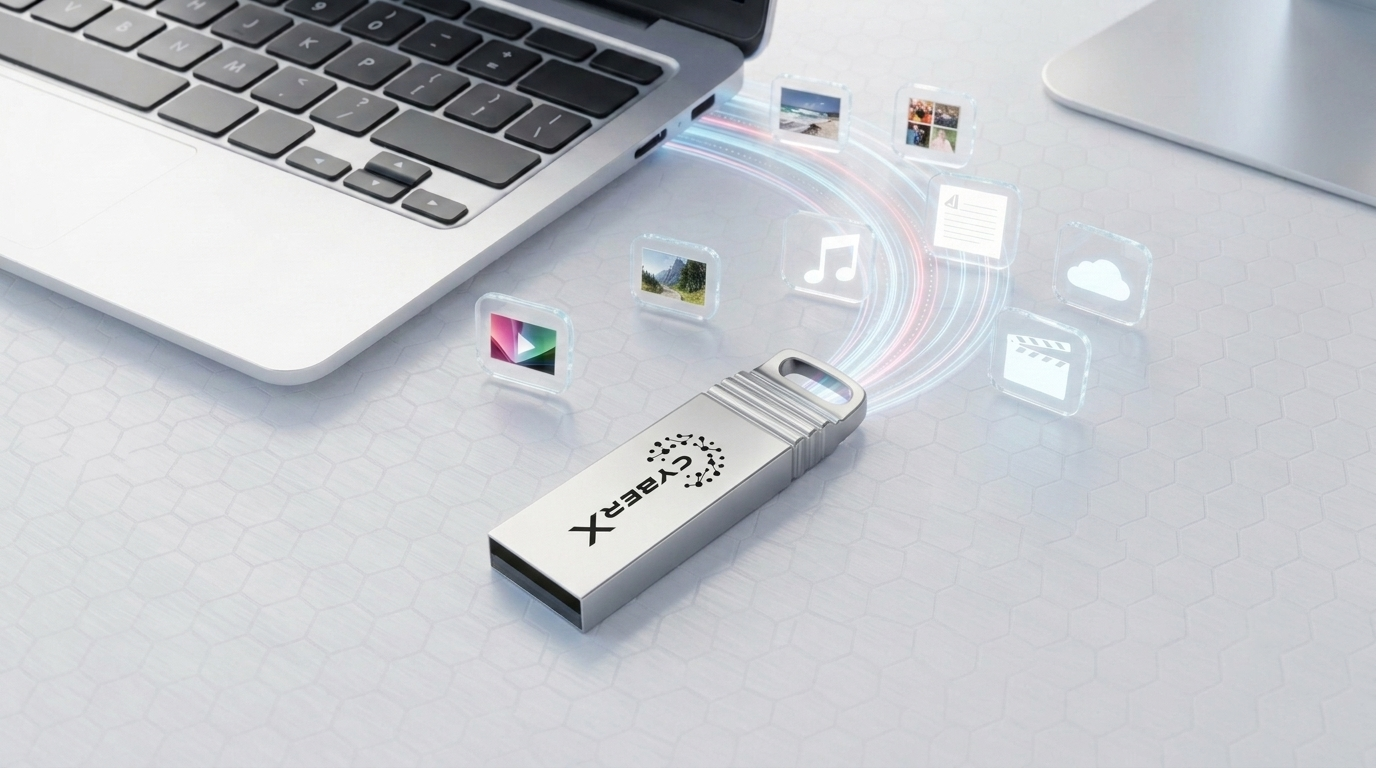
One of the most common uses of an OTG Converter is transferring files between a smartphone and a USB flash drive. This can be useful when you need to move photos, videos, documents or other supported files without using a computer.
2. Portable Connectivity
OTG Converters are generally compact and easy to carry. You can keep one in your laptop bag, backpack or accessory pouch and use it whenever you need USB connectivity on a compatible mobile device.
3. Connect USB Accessories
With a compatible smartphone or tablet, an OTG Converter can allow you to use supported USB accessories such as keyboards and mice.
4. Convenient Mobile Storage Access
If your mobile device supports USB OTG and the required storage format, an OTG Converter can provide convenient access to compatible external USB storage.
How to Use an OTG Converter?
Using an OTG Converter is generally simple:
Check whether your smartphone or tablet supports USB OTG.
Connect the OTG Converter to the appropriate port on your mobile device.
Connect a compatible USB device such as a flash drive.
Wait for the device to detect the connected USB accessory.
Open the file manager or relevant application to access the connected device.
The exact steps may vary depending on the smartphone manufacturer, operating system and connected USB device.
Is Every Smartphone Compatible With OTG?
No. USB OTG support depends on the hardware and software of the smartphone or tablet. Before purchasing an OTG Converter, check the specifications of your mobile device to confirm OTG support.
You should also check the connector type. Depending on the device, you may require an adapter designed for USB Type-C, Micro USB or another supported connector.
OTG Converter vs Regular USB Adapter
An OTG Converter is specifically designed to enable compatible mobile devices to act as a USB host and communicate with supported USB peripherals.
A regular USB cable or adapter may not provide the same host functionality. Therefore, it is important to choose an adapter specifically designed for OTG functionality when connecting USB devices to a compatible smartphone or tablet.
Things to Check Before Buying an OTG Converter
Check your smartphone or tablet’s OTG support.
Identify the connector type of your mobile device.
Check the USB connector required for your peripheral.
Consider the USB devices you plan to connect.
Choose a reliable and well-built adapter for regular use.
Check power requirements for peripherals that may require more power.
OTG Converter for Everyday Use
An OTG Converter can be a useful addition to your mobile accessories. Whether you want to access files from a USB flash drive, transfer photos and documents or connect a compatible keyboard or mouse, OTG technology provides a convenient bridge between mobile devices and USB peripherals.
For students, professionals, travellers and everyday smartphone users, having a compact OTG Converter can make mobile file management more convenient.
Choose OTG Accessories From CyberX
CyberX provides practical connectivity and storage accessories designed for modern computing and mobile requirements. An OTG Converter can help compatible smartphones and tablets connect with supported USB devices for convenient file access and peripheral connectivity.
Explore the latest OTG Converter and USB accessories at CyberXWorld.com and choose the right connectivity solution according to your device and usage requirements.
Frequently Asked Questions About OTG Converters
What does OTG stand for?
OTG stands for USB On-The-Go. It is a USB standard that allows supported mobile devices to act as a host for compatible USB peripherals.
Can I connect a USB flash drive to my phone?
Yes, if your phone supports USB OTG and has the appropriate connector or adapter, you can connect a compatible USB flash drive and access supported files.
Can an OTG Converter connect a keyboard to a phone?
On compatible smartphones and tablets, an OTG Converter can allow you to connect a supported USB keyboard.
Does an OTG Converter work with every phone?
No. OTG functionality depends on the smartphone’s hardware and software support. Always check your device specifications before purchasing an OTG Converter.
Final Thoughts
An OTG Converter is a simple and useful accessory for connecting compatible smartphones and tablets with USB devices. From accessing files on a flash drive to connecting supported keyboards and mice, USB OTG can expand the connectivity options of your mobile device.
Before buying an OTG Converter, always verify your device’s OTG support and connector type. Choosing the correct adapter ensures better compatibility and a more convenient user experience.