How to Choose the Best USB Flash Drive: USB 2.0 vs USB 3.0 and Storage Guide
Learn how to choose the right USB flash drive for file storage and data transfer. Understand USB 2.0 vs USB 3.x, storage capacity, compatibility and practical buying tips.
Store Admin··3 min read
How to Choose the Best USB Flash Drive
USB flash drives remain one of the most convenient ways to carry and transfer digital files. They are compact, portable and available in a wide range of storage capacities and USB interfaces.
Whether you need a flash drive for documents, photos, videos, backups or transferring files between computers, selecting the right USB drive can make everyday storage more convenient.
What Is a USB Flash Drive?
A USB flash drive, commonly called a pen drive or thumb drive, is a portable storage device that uses flash memory to store digital information.
It can be connected to compatible computers and other devices through a USB port, allowing users to transfer or access files without installing an internal storage device.
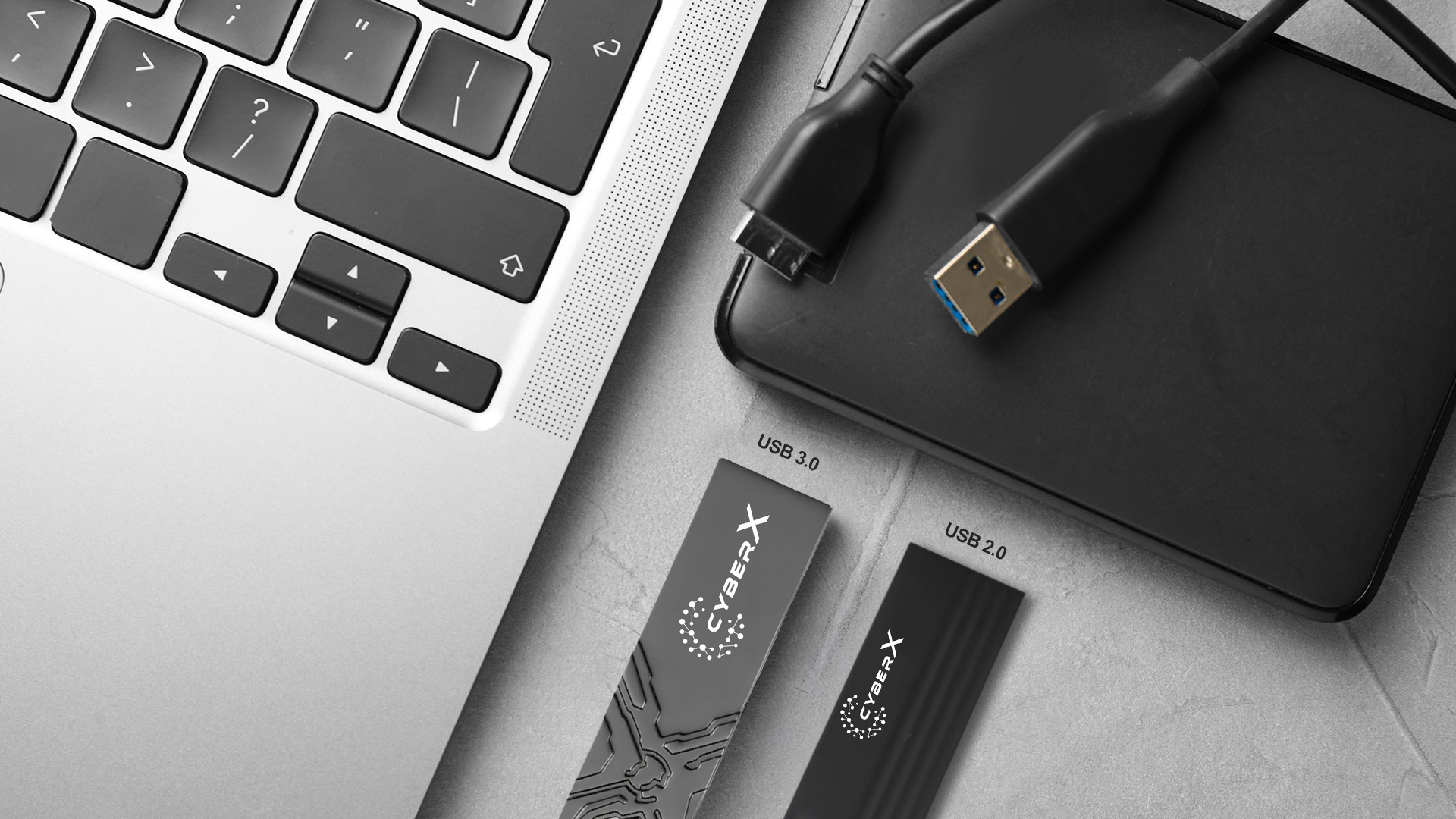
USB 2.0 vs USB 3.x
USB 2.0
USB 2.0 is an older and widely supported USB standard. It can be suitable for basic file transfers, documents and general portable storage requirements.
Its broad compatibility makes USB 2.0 flash drives useful for older computers and devices that may not support newer USB standards.
USB 3.x
USB 3.x standards can provide substantially higher theoretical transfer bandwidth than USB 2.0 when used with compatible hardware. This can make newer USB flash drives more suitable for transferring larger files.
Actual performance depends on the flash drive, controller, host device, file size, operating system and other factors.
How Much USB Storage Do You Need?
8GB–16GB: Suitable for small documents and basic file transfers.
32GB: Useful for everyday documents, photos and general portable storage.
64GB: A practical option for users who regularly carry larger collections of files.
128GB and above: Suitable for users who need additional portable storage for larger files and media.
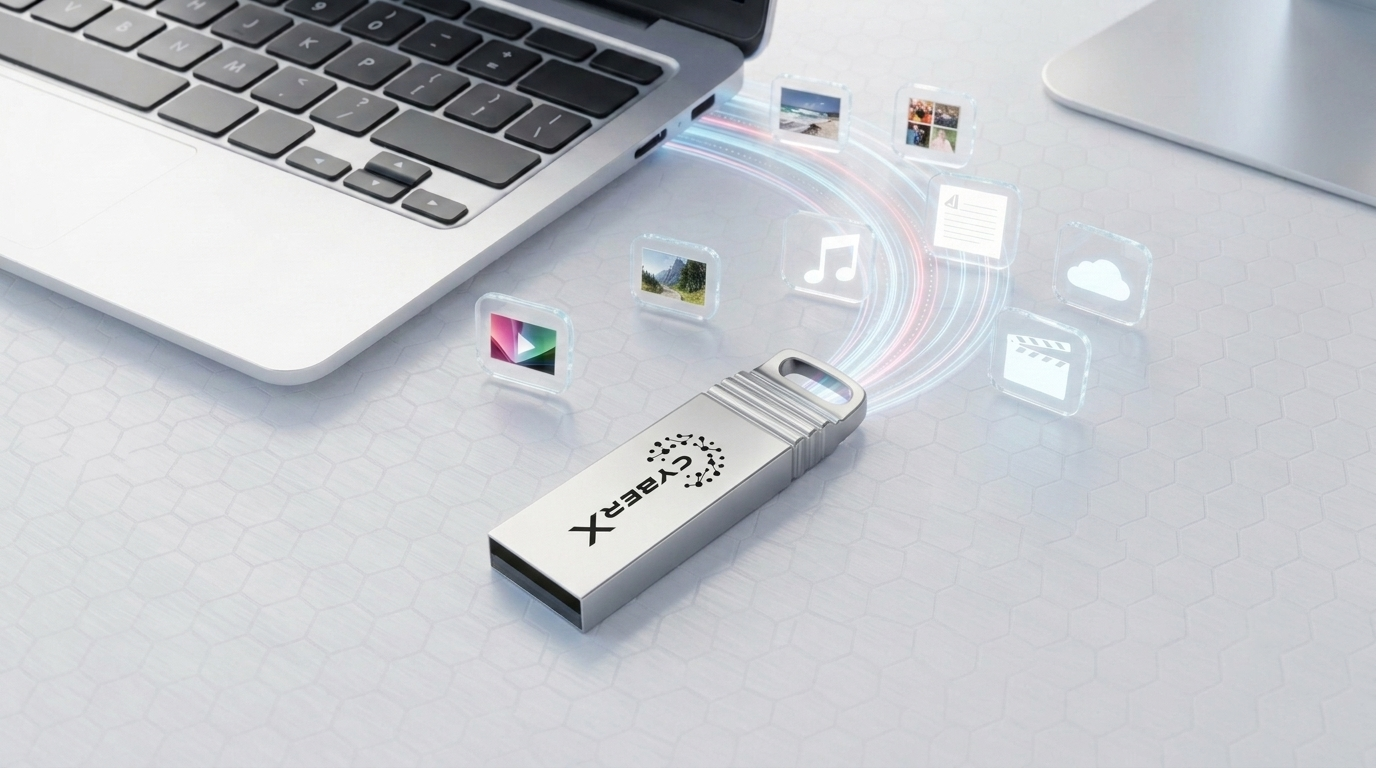
What Can You Store on a USB Flash Drive?
A USB flash drive can be used for many everyday storage tasks, including:
Documents and office files
Photos and personal media
Videos
Presentations
Software installers
Portable files and project data
Temporary file transfers
Important Features to Consider
Storage Capacity
Select a capacity based on the size and type of files you regularly transfer or carry.
USB Interface
Check whether your computer or device supports USB 2.0, USB 3.x or another required USB standard.
Build Quality
A compact and durable design can be valuable if you frequently carry your flash drive between locations.
Compatibility
Before purchasing, check the connector type and device compatibility, especially if you plan to use the flash drive with laptops, desktops or other devices.
USB Flash Drive for Work and Everyday Use
For professionals and students, a USB flash drive can be useful for carrying presentations, documents, project files and other important data. It can also provide a convenient method of transferring files between compatible computers.
However, important files should not exist in only one location. For critical data, maintain an additional backup using another storage device or a suitable backup solution.
Choose Your USB Flash Drive From CyberX
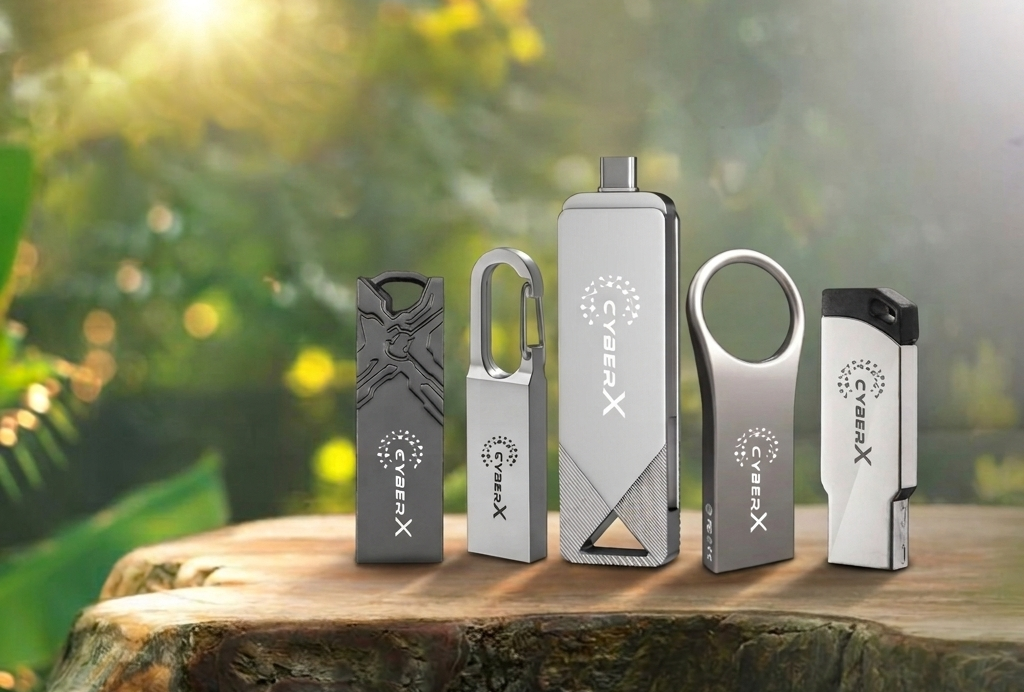
CyberX offers USB flash drive solutions designed for everyday portable storage and file transfer requirements. With different models and capacities available, users can select a flash drive according to their storage needs and device compatibility.
Explore USB flash drives at CyberXWorld.com and choose the right portable storage solution for your requirements.
Final Thoughts
The best USB flash drive depends on your storage capacity, transfer requirements, device compatibility and usage environment. USB 2.0 can be suitable for basic storage and compatibility, while newer USB standards can provide higher transfer performance on compatible systems.
Choose the capacity you actually need, verify compatibility and keep backup copies of important data for better data protection.